
















































Skip to content
Wasabi Loopsわさびループ, home

Sticker counter

Sets
5
Free packs
3
Stickers
164
Animated
132

Send a little wasabi.

164 stickers of a little wasabi in headphones: 5 animated sets on their way to sticker stores, and 3 free packs you can download today.

See the setsFree downloads

Sticker gachaガチャ

Turn the handle for a random sticker from every set and pack.

164 stickers inside. Every one has the same chance.

Sticker sets

Animated sets, newest first. Open one to see every sticker move.
  • Wasabi Every Day

    Hi, thanks, OK and good night

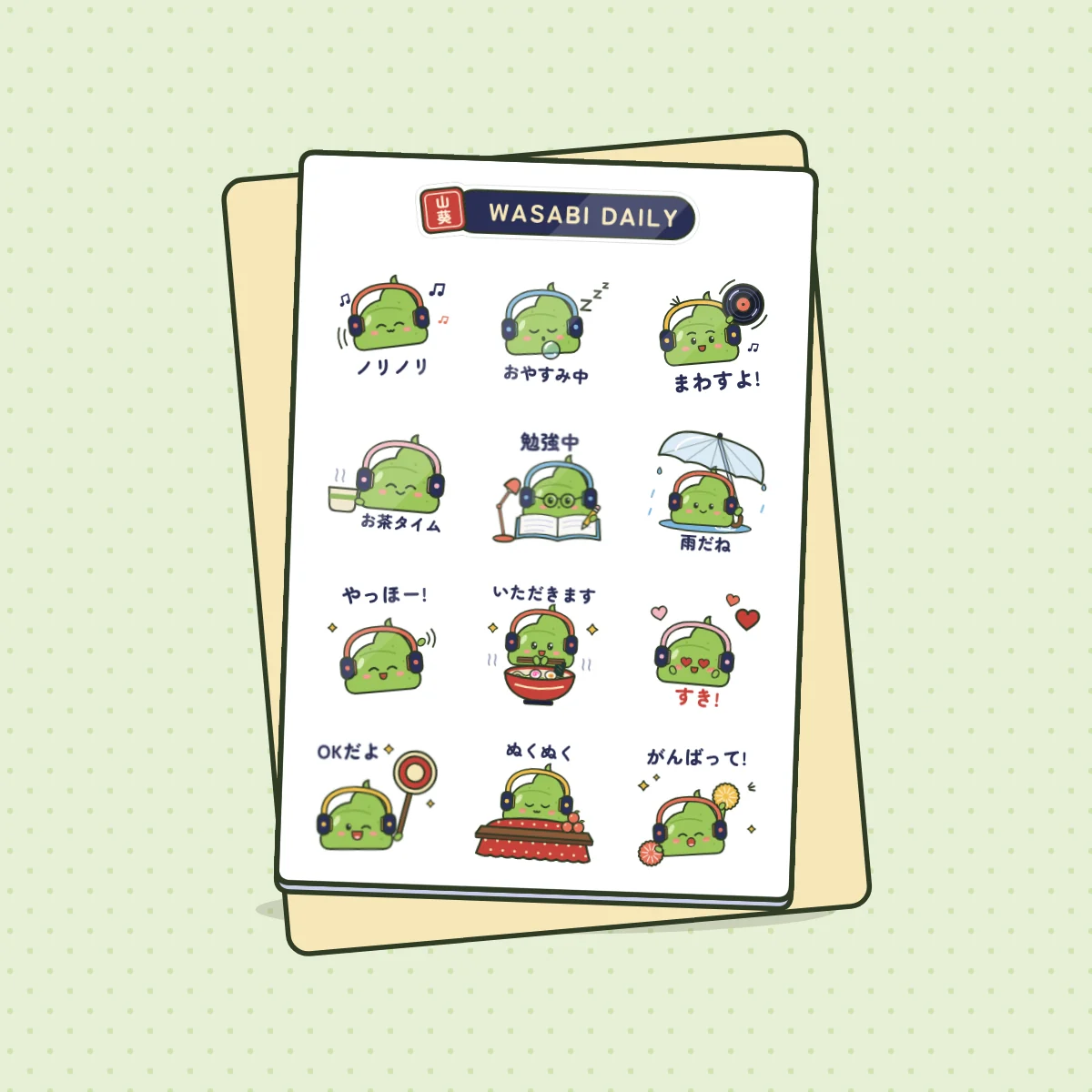
    Wasabi, a little wasabi blob in big headphones, helps with the small messages you send every day: hello, thank you, sorry, on my way and good night. Every sticker moves and loops.

    20 animated

  • Big Feelings

    Reactions turned up to max

    20 animated

  • Wasabi & Gari

    Hugs, miss you, good night

    20 animated

  • Sushi Squad

    20 animated

Every stickerぜんぶ

Pick a mood. Hover or focus a sticker to see it move.

Free packs無料

Each zip has the stickers already sized for its app. Grab the one for the app you use.

Wasabi emoji

20 small emoji for Discord servers and Slack workspaces: everyday faces plus a head for every city.

How to add them

WhatsApp4 steps
  1. Download the WhatsApp zip on your phone and unzip it.
  2. Save the stickers to your photos.
  3. In any chat, open the stickers tab and tap Create.
  4. Pick a Wasabi sticker and send it. WhatsApp keeps it with your stickers.
Telegram4 steps
  1. Download the Telegram zip and unzip it.
  2. In Telegram, open a chat with @Stickers and send /newpack.
  3. Name your pack, then send each sticker as a file, followed by one emoji for it.
  4. Send /publish, choose a short name, and the pack is ready to share.
Signal4 steps
  1. Download the Signal zip on your computer and unzip it.
  2. In Signal Desktop, open the File menu and choose Create/upload sticker pack.
  3. Drop in the stickers, pick an emoji for each one and upload.
  4. The pack shows up on your phone too. Share its link with friends.
Discord3 steps
  1. Download the Discord stickers or emoji zip and unzip it.
  2. Open Server Settings, then Stickers or Emoji. You need permission to manage expressions.
  3. Upload the files one by one. Servers have a limited number of slots, and boosts add more.
Slack3 steps
  1. Download the Slack emoji zip and unzip it.
  2. Open the emoji picker and choose Add Emoji.
  3. Upload a file and name it, for example :wasabi-hi:. Some workspaces only let admins add emoji.

The zips for Slack

LINE2 steps
  1. LINE stickers only come from the LINE sticker shop, so there is no zip for LINE.
  2. Wasabi Daily is drawn to LINE's sticker sizes. Get one email when it is there.
Tell me when it's on LINE

Unzip first. On iPhone, tap the zip in the Files app. On Android, open it in your files app and tap Extract. Apps move their menus around, so if a step looks different, look for the closest match.

Free for personal use: send them, share them, enjoy them. Please don't sell them or use them in ads.

Your sticker bookシール帳

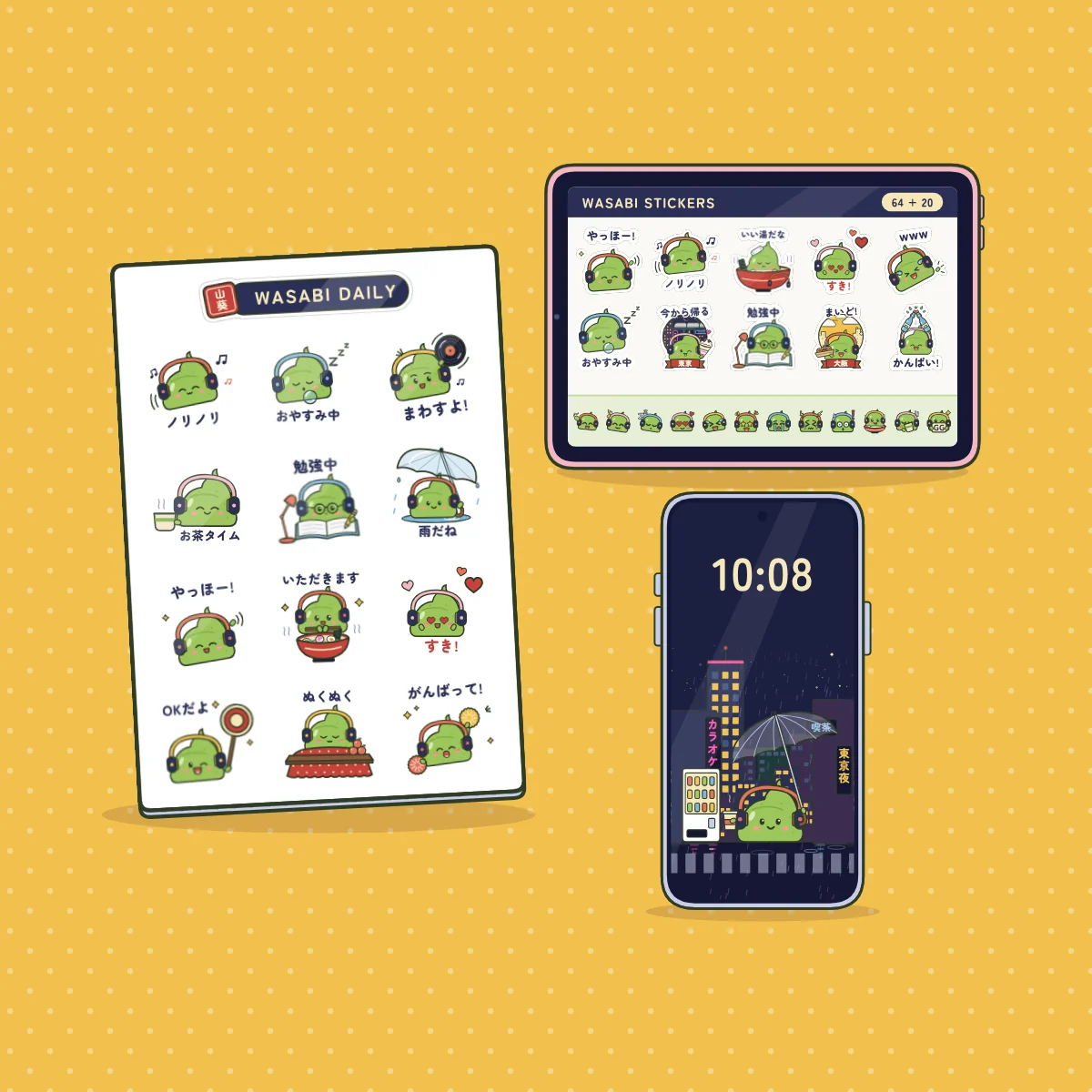
12 stickers hide around the site. Peel one off its page and it flies into your book. Fill the book for a phone wallpaper.
  1. Peel it off the Music page.
  2. Peel it off the home page.
  3. Peel it off the Library.
  4. Peel it off the Osaka page.
  5. Peel it off the Tokyo page.
  6. Peel it off the next city's stall.
  7. Peel it off the Hakodate page.
  8. Peel it off the Fukuoka page.
  9. Peel it off the newsletter page.
  10. Peel it off the shop.
  11. This one is right here. Peel it!
  12. Peel it off the “Use our music” page.

0 of 12 in your book

Stickers you can hold

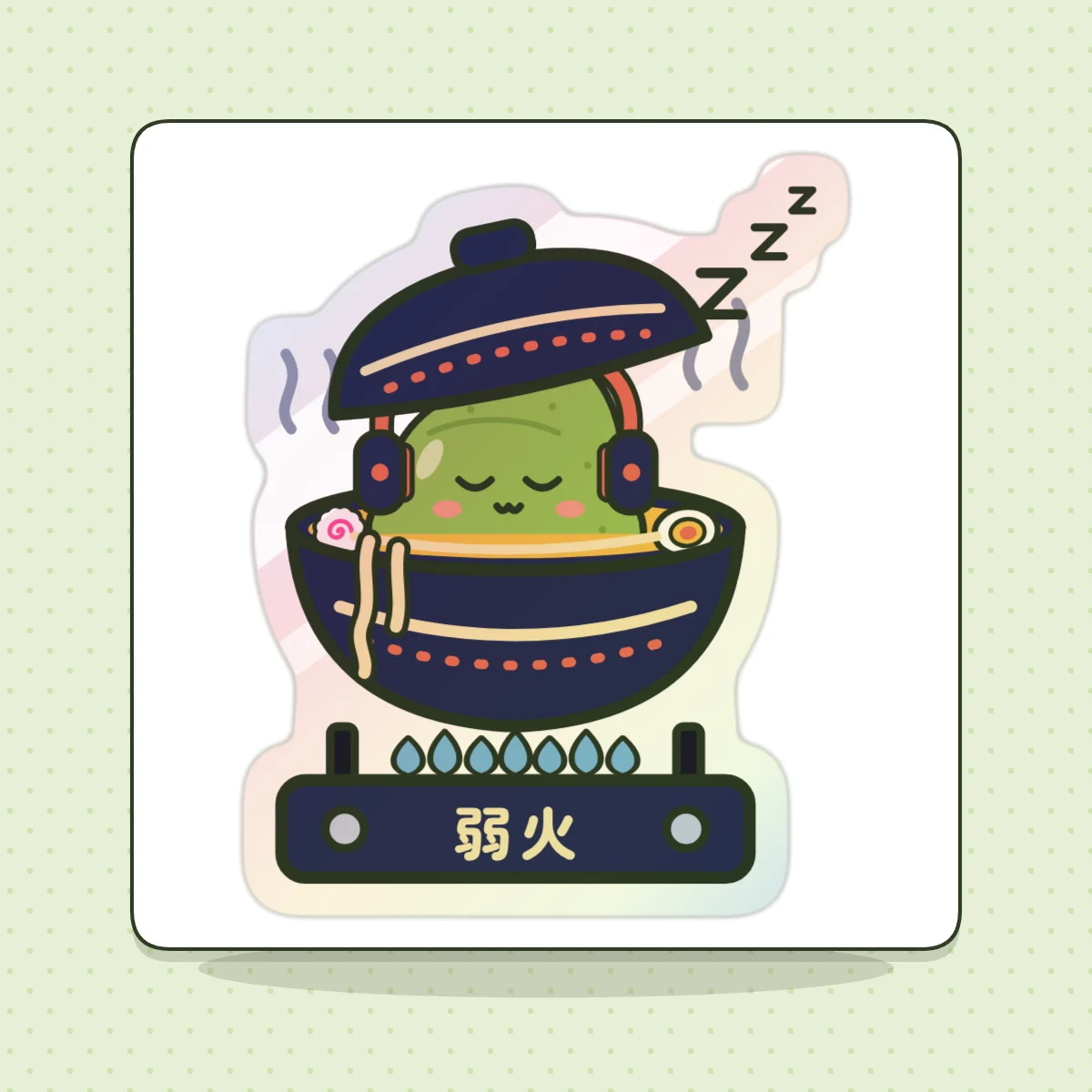
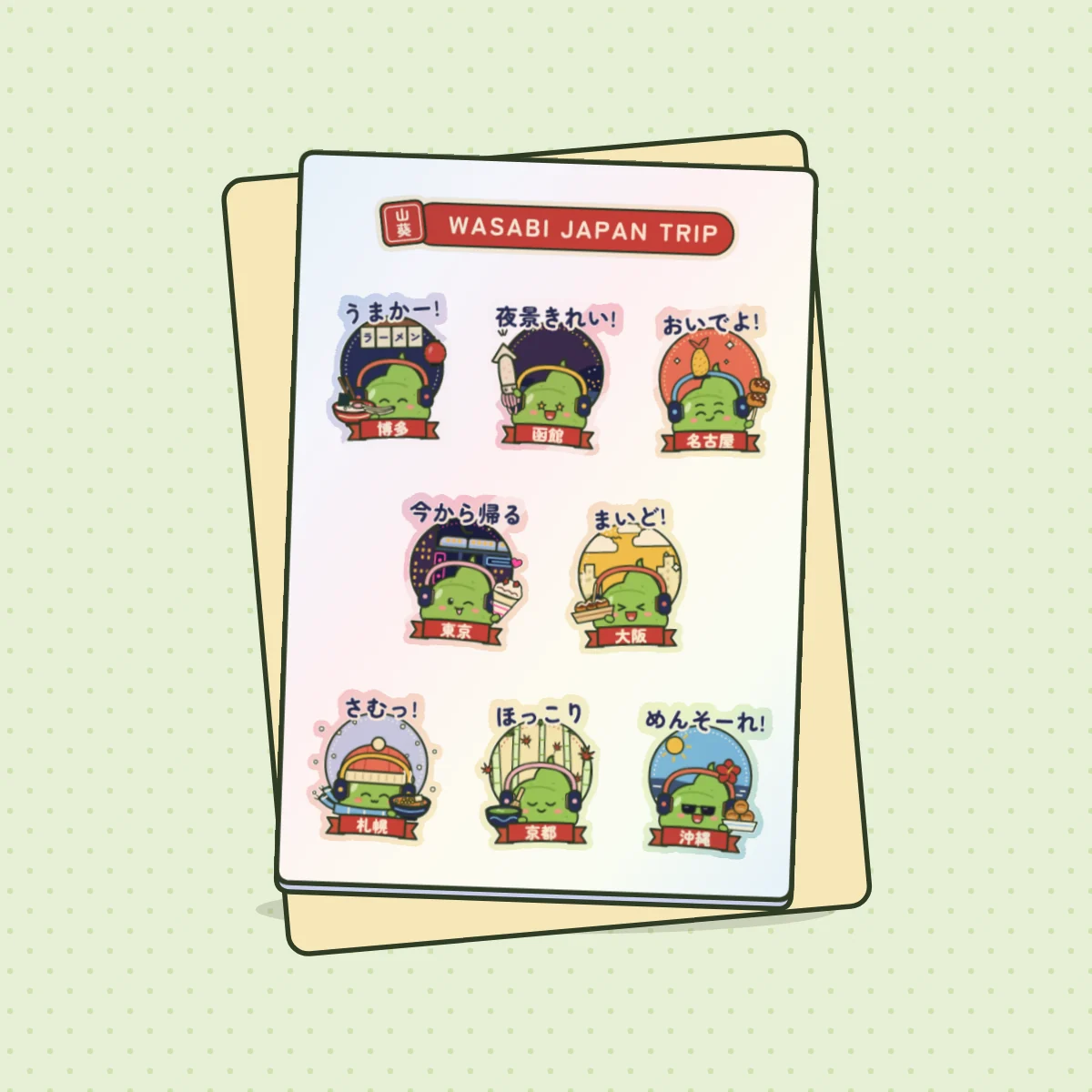
Printed sheets and die-cut stickers from the shop, each from a song, a city or a sticker pack. The one stamped 次 is up next.
Visit the shop